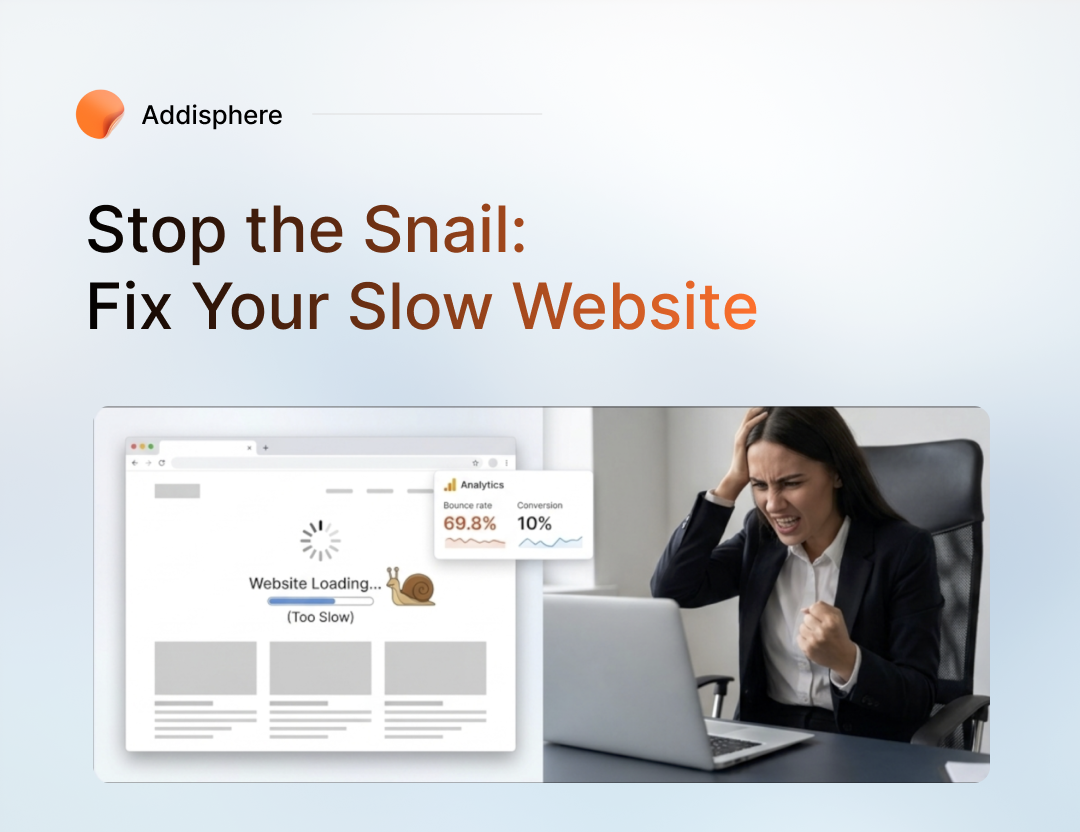
Is Your Website Driving Customers Away? Here's How to Fix a Slow Website
Imagine this: A potential customer clicks on your website. They're interested in your product, ready to learn more, and possibly even prepared to make a purchase. Then they wait. And wait. And wait. Before your homepage finishes loading, they've already closed the tab and moved on to a competitor. This happens every day to businesses around the world. Website speed is no longer just a technical metric for developers. It directly impacts user experience, search engine rankings, conversion rates, and ultimately revenue. In a world where users expect instant access to information, even a few extra seconds of loading time can cost you valuable customers. The good news is that many website performance problems can be fixed without rebuilding your entire platform. Here are five practical ways to improve your website speed.1. Optimize Your Images
One of the most common causes of slow websites is oversized images. Many website owners upload images directly from cameras or design tools without compressing them first. A single image can easily exceed several megabytes, forcing users to download unnecessary data every time they visit a page. To improve performance:- Compress images before uploading them.
- Use modern formats such as WebP.
- Resize images to the dimensions actually needed on the website.
- Avoid uploading ultra-high-resolution images unless necessary.
2. Remove Unnecessary Website Clutter
Over time, websites accumulate a surprising amount of digital clutter. This can include:- Unused pages
- Outdated blog drafts
- Old media files
- Spam comments
- Unused database records
- Redundant themes and plugins
3. Upgrade Your Hosting Environment
Sometimes the problem isn't your website. It's your hosting provider. Many businesses start with low-cost shared hosting, which works fine initially. However, as traffic grows and websites become more complex, shared hosting can become a bottleneck. Signs you may need better hosting include:- Slow loading during peak traffic periods
- Frequent downtime
- Delayed server response times
- Poor performance despite frontend optimizations
4. Reduce Plugin and Third-Party Dependencies
This is especially important for WordPress websites. Plugins are useful, but every plugin adds extra code, database queries, scripts, and stylesheets that must load on your site. Many websites have dozens of plugins installed, even though only a handful are actively used. Ask yourself:- Is this plugin still necessary?
- Can two plugins be replaced by one solution?
- Is there custom code that could replace multiple plugins?
5. Implement Effective Caching
Caching is one of the most powerful performance improvements available. Without caching, every visitor requires your server to rebuild pages from scratch, fetch database records, process scripts, and generate content. With caching enabled, much of that work is already completed. Benefits of caching include:- Faster page loads
- Reduced server load
- Improved scalability
- Better user experience
How to Identify What's Slowing Down Your Website
Many business owners know their website feels slow but aren't sure why. Fortunately, Google provides a free tool that helps identify performance issues. Google PageSpeed Insights analyzes your website and provides:- A performance score out of 100
- Mobile and desktop performance reports
- Core Web Vitals measurements
- Recommendations for improvement
- Specific files and resources causing slowdowns
Why Website Speed Matters More Than Ever
Website speed affects nearly every aspect of online success. A faster website can:- Improve user experience
- Increase customer satisfaction
- Reduce bounce rates
- Improve SEO rankings
- Increase conversions and sales
- Strengthen brand credibility
Final Thoughts
Many businesses spend thousands of dollars on advertising to attract visitors, only to lose those visitors because their website takes too long to load. Before investing more in marketing, make sure your website provides a fast and seamless experience. Start by optimizing images, cleaning up unnecessary content, reviewing your hosting setup, reducing plugin usage, and implementing caching. Small improvements can lead to significant gains in performance, user engagement, and revenue. If you haven't tested your website recently, now is a good time to run a speed audit and see where improvements can be made. Your visitors—and your future customers—will thank you for it.
Tagged with :